If you want to transfer your domain name to another provider ( registrar ), it will request a transfer or authorization code. That transfer code is required to successfully complete the move.
Follow these steps in the control panel to request a transfer code:
- Go to “My Products”> “Domain Names”> Click the “Manage” button to the right of your domain name.
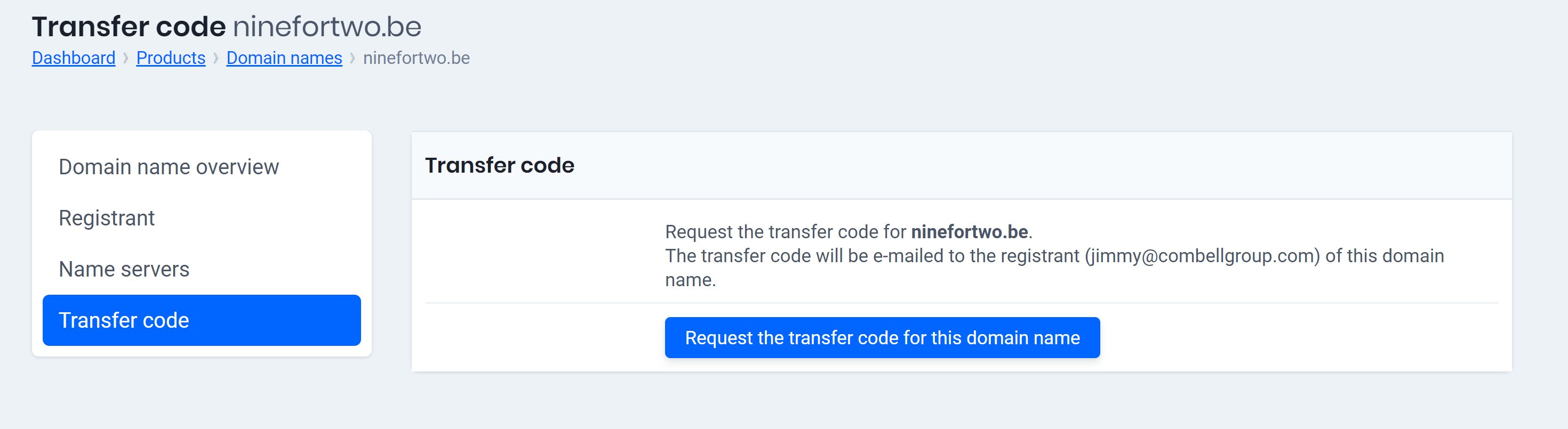
- Select “Transfer code” in the menu on the left.
- After that, you’ll see the transfer code, or it will be sent to the registrant’s (the domain owner’s) email address. This depends on the extension of your domain name.
If you have any problems, you can request your transfer code from activation@easyhost.be