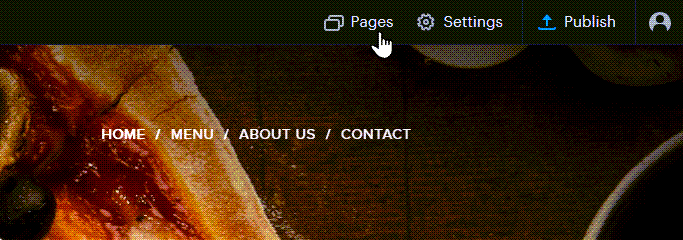
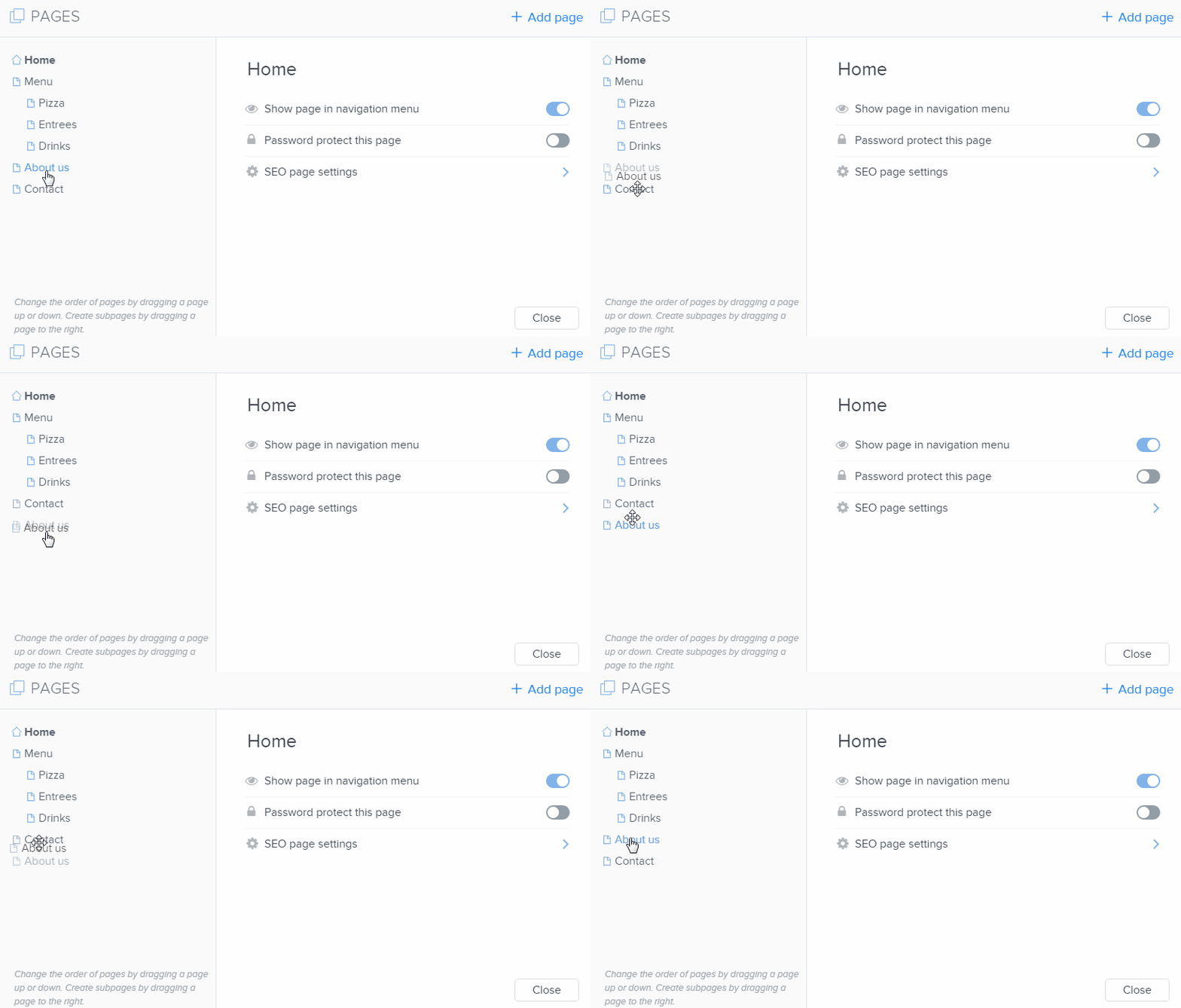
How to Reorder Pages in the Menu Click PAGES.Reordering your pages is done by dragging the page up or down in the list of pages.Publish your changes. Tip: You are also able to add subpages in a similar manner. Updated on 27 September 2022 Was this article helpful? Yes No Need Support?Can't find the answer you're looking for?Contact Support