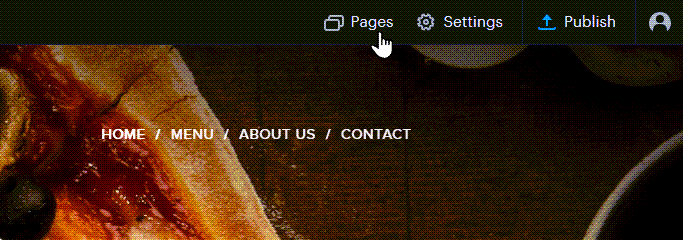
- Click on PAGES.
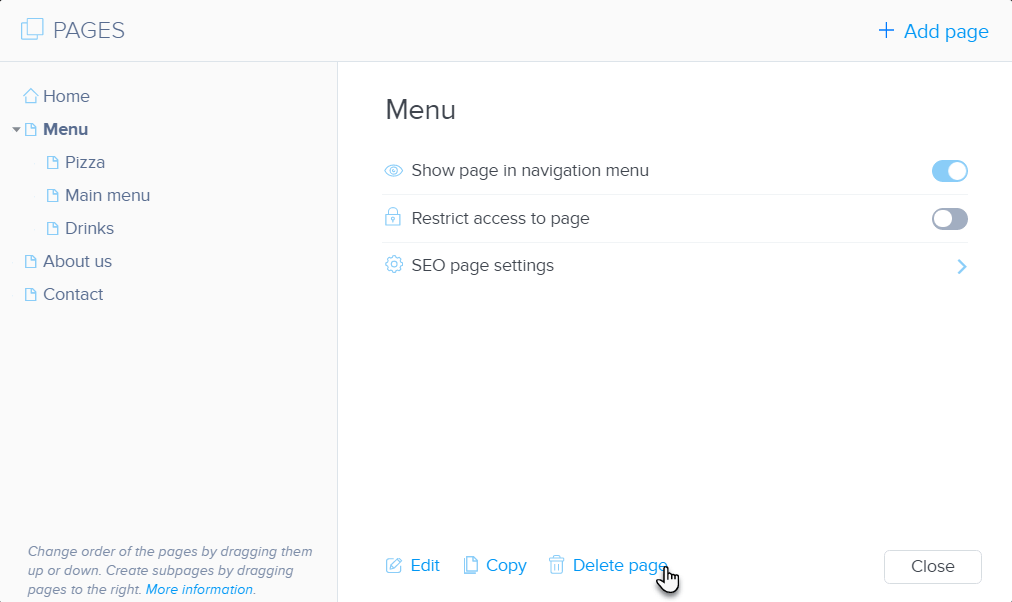
- Select the page you would like to delete and click Delete page.
- Confirm the deletion.

- Publish your changes.
How to Delete a Page in SiteBuilder
Updated on 27 September 2022
Need Support?Contact Support