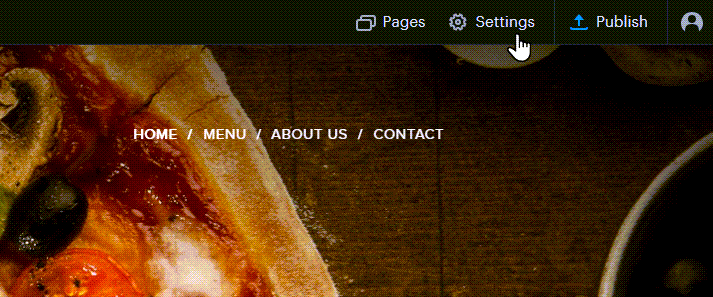
- First, click on Settings.
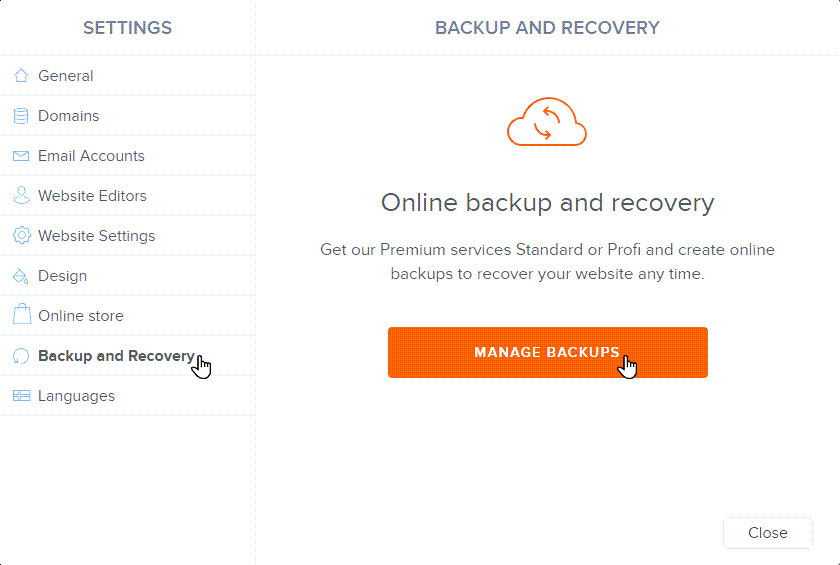
- In the Backup and Recovery tab, click MANAGE BACKUPS.
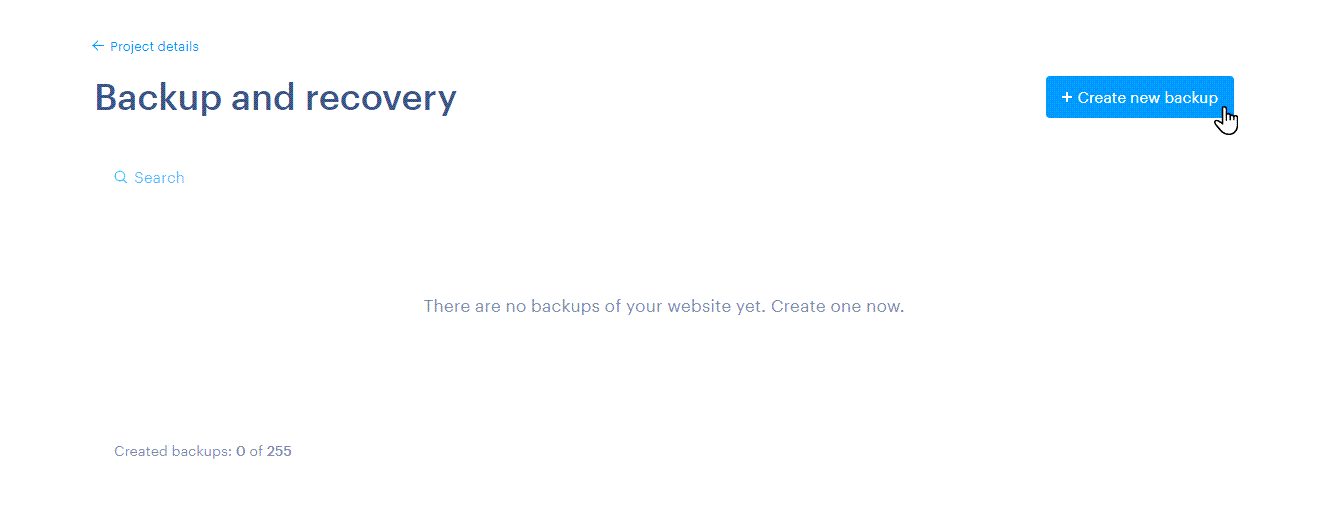
- Select Create new backup.
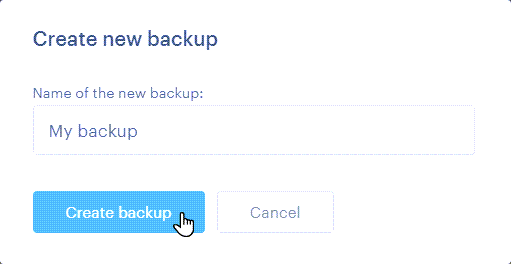
- Enter the name and click the button Create backup.
- The backup of your website is now saved and available for recovery.
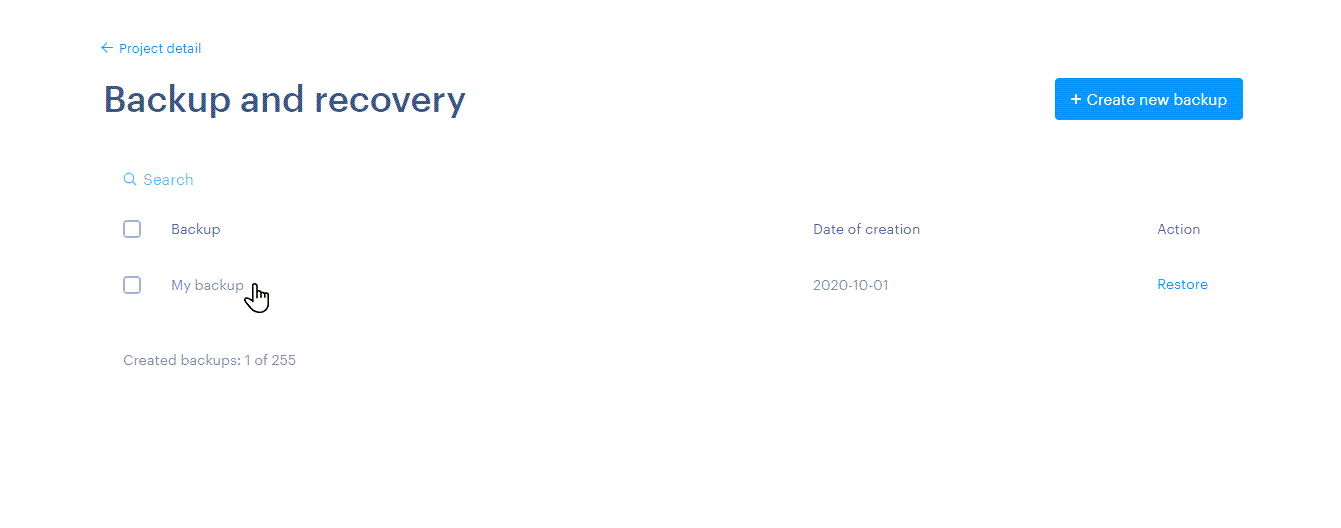
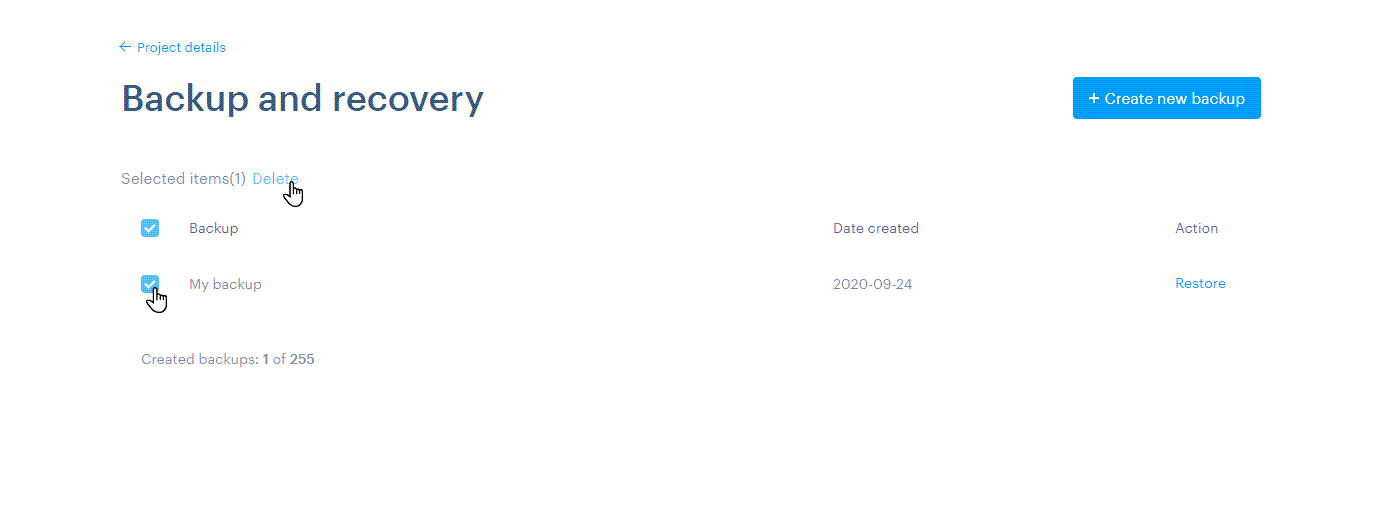
- You can also delete the backup. Just mark it and confirm with the Delete button.
Tip: For peace of mind, create a backup before making large scale changes to your website. You can always restore the backup if you are not satisfied with your changes.
Tip: You can also use the automatic backup feature.